
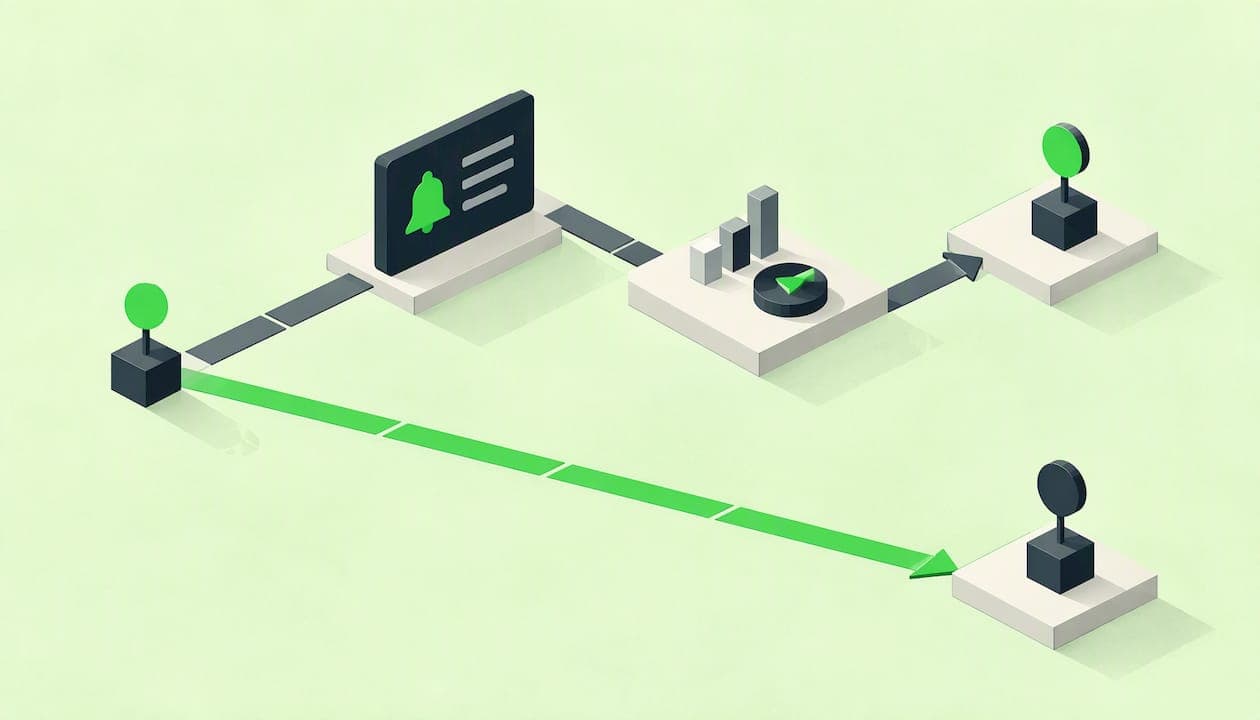
A trade alert tells you something happened and leaves the decision to you. Auto trading lets a program or a third party place trades in your account without asking you each time. That one difference drives everything else: who is accountable, how fast trades happen, what can go wrong and how much of your time the approach takes. For most self-directed investors who want structure without giving up their account, clear alerts that come with rules are the better middle path.
TL;DR
- Alerts inform, auto trading acts. With alerts you review the message and place the order yourself. With auto trading, trades happen in your account without your approval on each one.
- Control is the real trade-off. The SEC says auto-trading arrangements can be highly risky because they remove your oversight before execution.
- Alerts only work with a rulebook. An alert with no position size, no exit rule and no plan can push you to trade too much.
- The best fit depends on your time and temperament. Busy investors who still want to approve every trade tend to prefer rules-based alerts.
- StockPilot is built on the alert model. You mirror a 19-position model portfolio in your own brokerage account, and you place every trade.
Table of Contents
- What trade alerts and auto trading actually are
- How each one works in practice
- Side-by-side comparison
- The risks of auto trading
- The risks of trade alerts
- Which approach fits you
- Perspective: why we chose alerts over auto trading
- What a rules-based alert looks like
- Get the structure of auto trading while keeping your hands on the wheel
- A short checklist before you choose
- FAQ
- Sources
What trade alerts and auto trading actually are
A trade alert is a notification. It says a condition was met: a price crossed a level, a position hit an exit rule, or a model portfolio is changing. Nothing happens in your account until you open your broker and place an order. The decision, the order type and the timing stay with you.
Auto trading is the opposite arrangement. The SEC describes auto-trading programs as ones that allow a third party or a system to execute trades directly in your account without your prior approval of each transaction. That can mean a software program connected to your brokerage login or a person or firm with trading authority over the account.
A few related terms get mixed up with these two:
- Price alerts are simple threshold notifications set in a broker app or charting tool.
- Signals or model-portfolio alerts are recommendations to buy or sell specific positions, usually with a reason or a rule behind them.
- Automated orders such as stop-loss or limit orders sit at your broker and trigger under conditions you set. You choose the conditions, so they are closer to a tool you operate than to a third party trading for you.
- Robo-advisors and auto-trading services manage the account themselves, either from preset questionnaires or from an algorithm.
The SEC's investor guidance on automated investment tools makes the key point about control: these tools produce outputs from preset options, but you decide whether and when to rely on those outputs. Alerts keep that decision at the moment of each trade. Auto trading hands it over in advance.
How each one works in practice
The alert workflow
An alert-driven process has four steps:
- A rule or model flags a change.
- You get a message by email, text or app.
- You check that the trade fits your account, cash and plan.
- You place the order with your broker.
Step 4 matters more than most people expect. When you submit an order, your broker decides which market to send it to, and you may not get the price shown on your screen. The SEC's trading basics bulletin explains the choice you face: a market order is generally executed promptly but without a guaranteed price, while a limit order executes only at your price or better and may not execute at all. With alerts, you choose between those every time. For after-hours alerts, the details of your broker's session rules are worth knowing, and our guide to four broker rules to check before trading after hours covers them.
The auto trading workflow
With auto trading, steps 2 to 4 collapse into one. The system detects the condition and sends the order itself. The speed is real, and so is the downside: nobody checks the trade before it lands. If the assumptions behind the rule no longer fit the market, the program keeps acting on them. The SEC notes that automated tools may rely on programmed assumptions that could prove flawed if market conditions shift in ways the design did not anticipate.

Where stop orders fit
Many investors use a hybrid: alerts for decisions, and a broker-held stop order for protection. A stop is an automated order you set yourself, on your own account, with your own parameters. That is very different from granting someone else trading authority. If you are weighing the two stop types, see when to use a trailing stop versus a stop loss.
Side-by-side comparison
| Factor | Trade alerts | Auto trading |
|---|---|---|
| Who places the trade | You | The program or a third party |
| Your approval per trade | Yes | No |
| Speed | As fast as you respond | Near instant |
| Time needed | A few minutes when an alert arrives | Setup and ongoing monitoring |
| Main risk | Hesitation, overtrading, emotional reactions | Flawed rules or errors acting with no review |
| Account access | Usually none; you stay in your own broker | Often trading authority or a broker connection |
| Best for | Investors who want guidance and control | Strict rule-based strategies run with safeguards |
| Accountability | Yours, with the rules to lean on | Shared, and harder to trace after the fact |
Neither column is automatically right. The question is which risk you are better equipped to manage.
The risks of auto trading
The SEC does not treat auto trading as a neutral convenience. Its investor alert says auto-trading is marketed for speed but carries significant risk because it removes your oversight before trades are executed. If you are considering it, the same alert tells you to verify whether the provider is registered as an investment adviser and to check the disciplinary history of the people involved through FINRA's BrokerCheck.
Automation can amplify mistakes
The sharpest example is the 2012 Knight Capital incident. According to the SEC's order, a routing-system failure produced more than four million executions in about 45 minutes and losses above $460 million. That was a market maker with professional controls, not a retail account, but the lesson transfers: speed turns a small coding or control failure into a large problem before a human can step in.
Conflicts of interest and data sharing
Two less obvious issues deserve attention. First, the SEC's then-chair noted that when an AI system's optimization considers the platform's interest as well as the customer's, it can create conflicts of interest. Advice providers, AI-based or not, remain bound to act in clients' best interest. Second, the SEC advises you to understand when and with whom a tool's sponsor may share your personal information. Handing over broker credentials or trading authority raises the stakes on both.
Churning and unauthorized activity
When someone else controls the trigger, volume can drift away from your goals. Investor.gov tells investors to watch for unauthorized trading and frequent trading inconsistent with their goals and risk tolerance. Reviewing your statements monthly is a practical habit under any arrangement, and essential under auto trading.
The risks of trade alerts
Alerts are not risk-free just because you press the button. Their risk is behavioral. CNBC reported on a study of retail investors who used price-tracking alerts and found that alerts were associated with more trading and poorer performance, with the article also describing overconfidence and a feeling of pressure to act. The study concerned raw price alerts, not rules-based model alerts, but the mechanism is easy to see. A notification that says a stock moved 4% invites a reaction, and a reaction is not a plan.
Three habits keep alerts useful:
- Tie every alert to a rule. An alert should answer: what changed, what does my plan say to do, and how much?
- Limit the number of alerts. Fewer, rarer alerts leave less room for impulse trades.
- Decide order type and timing in advance. Our guide to trade alert timing walks through when to act at once and when waiting is reasonable.
One more practical gap: alerts depend on you. If you miss one, the trade does not happen. That is the honest cost of keeping control, and it is why a system that sends alerts only when its criteria call for a change, rather than constantly, suits people with full calendars.
Which approach fits you
Use these questions rather than a rule of thumb.
How much time can you give? If you can handle a few minutes of action when something changes, alerts fit. If you cannot respond within a day, a broker-held stop order can cover the gaps while you stay in charge.
How do you react to losses? If you tend to freeze or panic, you want alerts that arrive with a stated rule, so the decision is made before the emotion. If you are tempted to override every signal, be honest about it and keep position sizes small.
What are you trying to do? Short-term systematic strategies, where speed is the edge, are where automation draws its strongest arguments. Long-term portfolio building, dividend income and retirement planning rarely depend on millisecond execution. A trade placed that evening or the next morning does little damage to a multi-year plan.
Who will you hold accountable? With alerts, the answer is simple: you and the written rules. With auto trading, you need to know the provider, its registration, how it handles your data and what it does if something breaks.
Do you want an account that stays yours? Alert-based services usually need no access to your brokerage account. Keeping custody and login with you is a protection in itself.
If you are also weighing software against a human professional, the six-step SEC and behavioral checklist for DIY investors helps you compare. And if the risks of AI-driven tools are your main concern, read about what can go wrong and how to protect yourself.
Perspective: why we chose alerts over auto trading
We built StockPilot around alerts on purpose. The decision to hand the keys of an account to software is not a technical choice. It is a statement about who is responsible when conditions change, and we think that answer should stay with the investor.
What we try to remove is the work and the noise, not the control. The system evaluates market, fundamental, technical, sentiment and statistical data continuously, then speaks only when its predefined investment and risk criteria call for a change. You get a clear after-hours buy or sell alert, a position size and a reason. You place the trade in your own brokerage account, and we never take custody.
That structure is designed to solve the problem that makes alerts dangerous elsewhere: the lone notification with no context. Every alert in our model sits inside a 19-position portfolio of six income positions and 13 AI-selected growth positions, with rules for sizing, replacement and shifting toward Treasury ETFs when conditions turn unfavorable. The alert is the last step of a process, not the first impulse.
We would rather our subscribers make a few well-defined trades with full understanding than have a system make hundreds on their behalf. Investors can see the whole portfolio, check every move against the rules and decide, trade by trade, whether they agree.
David Elliot
What a rules-based alert looks like
A useful alert is specific enough that you could act on it without opening a research page. At a minimum it should say:
- The action: buy, sell or trim, and which holding.
- The reason: the rule or criterion that triggered it, so you are not acting on a hunch.
- The size: how much of the portfolio the position should represent.
- The timing: whether it is meant for the next session's open or can wait.
- The replacement logic: if you sell something, what takes its place.
If an alert service cannot give you those, treat it as a source of headlines. The StockPilot process is laid out in our walk-through of how to execute after-hours buy and sell signals for the 19-position model, and the philosophy behind its transparency is covered in our auditability-first approach to AI portfolios.
Be skeptical of any service, alert-based or automated, that promises outsized returns with little risk. The SEC lists promises of high returns with little or no risk as a classic sign of investment fraud. Every investment carries risk, and ours is no exception; our risk disclosure spells out what to expect.
Get the structure of auto trading while keeping your hands on the wheel
StockPilot Premium is $147 per month. It gives you the 19-position model portfolio, after-hours buy and sell alerts issued only when our criteria call for a change, position-sizing guidance, performance analytics and the risk-management rules that can reduce growth exposure and move capital into Treasury ETFs in unfavorable markets. You mirror the trades in your own brokerage account, and you keep complete control of every one. You can see how it works or go straight to StockPilot Premium.
If retirement income is your focus, our piece on what AI investing can and can't do for retirees is a good next read.
A short checklist before you choose
Whichever route you take, run through these points first:
- Can you see the rules? You should be able to read how the system decides, including its limitations and key assumptions. The SEC says registered firms providing investment analysis tools must describe the criteria and methodology used, along with limitations and key assumptions.
- Who holds your assets? Prefer arrangements where your money stays at your own broker.
- What is the worst case? Know what happens if the service goes down, the rules misfire or you miss an alert.
- How often will it trade? More activity means more cost, more taxes in a taxable account and more chances for error.
- Is the provider accountable? Check registration where it applies and look up individuals on BrokerCheck.
- Does it fit your life? The best system is the one you will follow consistently.
FAQ
Is a trade alert the same as a trade signal?
Not exactly. An alert is any notification that a condition was met, such as a price crossing a level. A signal is a recommendation to buy or sell a specific security, ideally with a stated rule behind it. Either way, you place the trade yourself unless you have set up automatic execution.
Is auto trading legal in the United States?
Yes, but it is regulated and the SEC cautions that it can be highly risky. If a firm or person gives you advice or trades for you, they must serve your best interest, and you should confirm whether the provider is a registered investment adviser. Check any individual's record on FINRA's BrokerCheck before granting access.
Do I need to watch the market all day to use alerts?
No. A well-built alert system reduces screen time because it speaks only when something needs your attention. With StockPilot, alerts arrive after hours, so you can review them when you are free and place orders on your own schedule.
Can I combine alerts with automatic orders?
Many investors do. They use alerts for decisions and a broker-held stop or limit order for protection that they set on their own account. That is different from giving a third party authority to trade for you, because you choose the conditions. Check how your broker handles each order type, since details differ between brokers.
Does StockPilot trade for me?
No. StockPilot never takes custody of your assets and does not place trades. You get the model portfolio and clear alerts, then make every trade yourself in your own brokerage account.
Sources
- SEC: All About Auto-Trading
- Investor.gov: Investor Alert on Automated Investment Tools
- Investor.gov: Executing an Order
- SEC: Trading Basics
- SEC: Knight Capital Americas LLC order
- SEC: Conflicts of Interest in Artificial Intelligence
- Investor.gov: Investor Alert on Excessive Trading
- CNBC: Price-tracking alerts and investor behavior
- SEC: Social Media and Stock Tip Scams investor alert